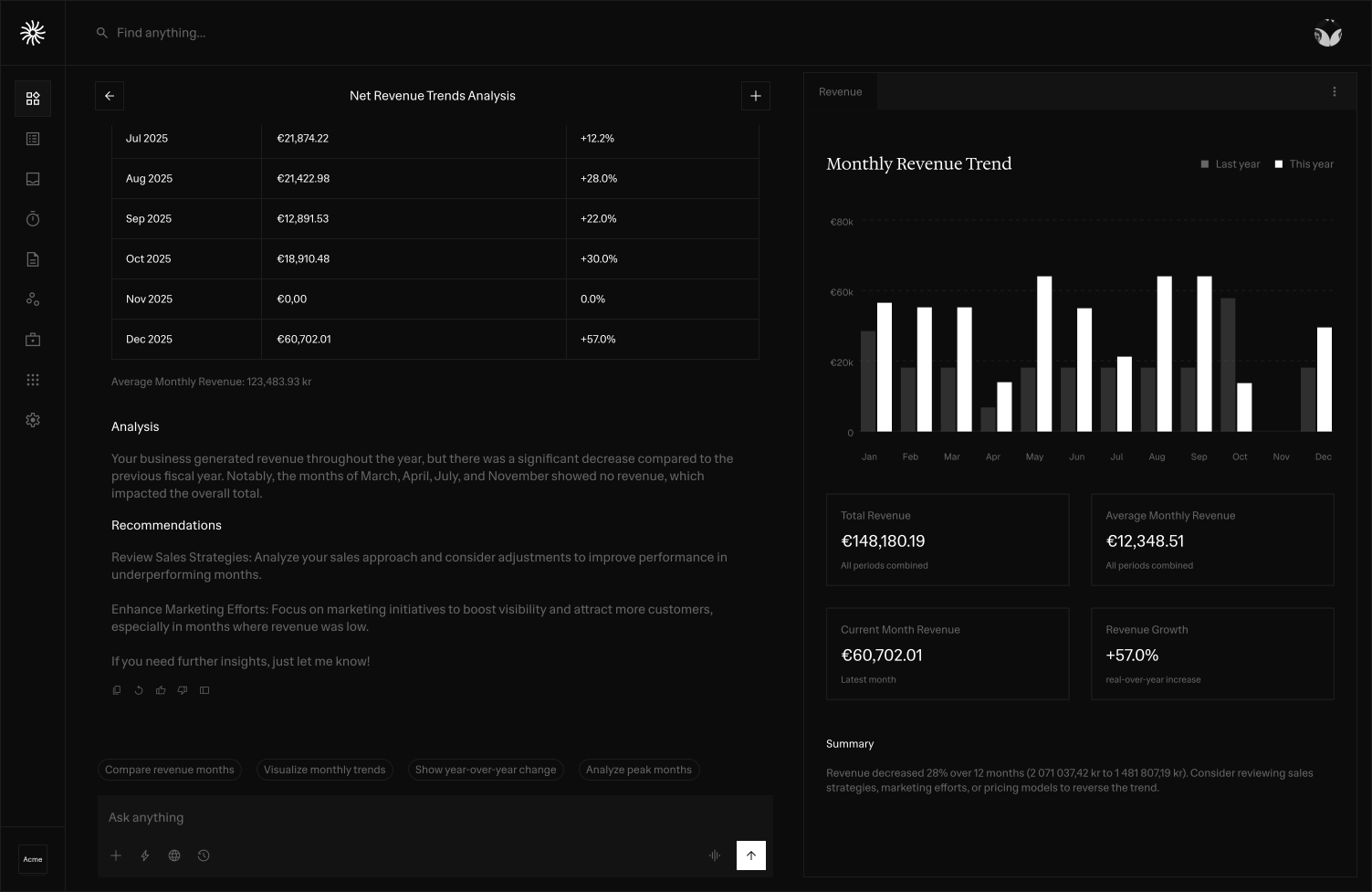
Ask in plain language
Find answers across supported financial records without remembering where every field, invoice or transaction lives.
Relaio Finance's assistant helps you find financial information, understand what needs attention and prepare the next action using the context already in your workspace.
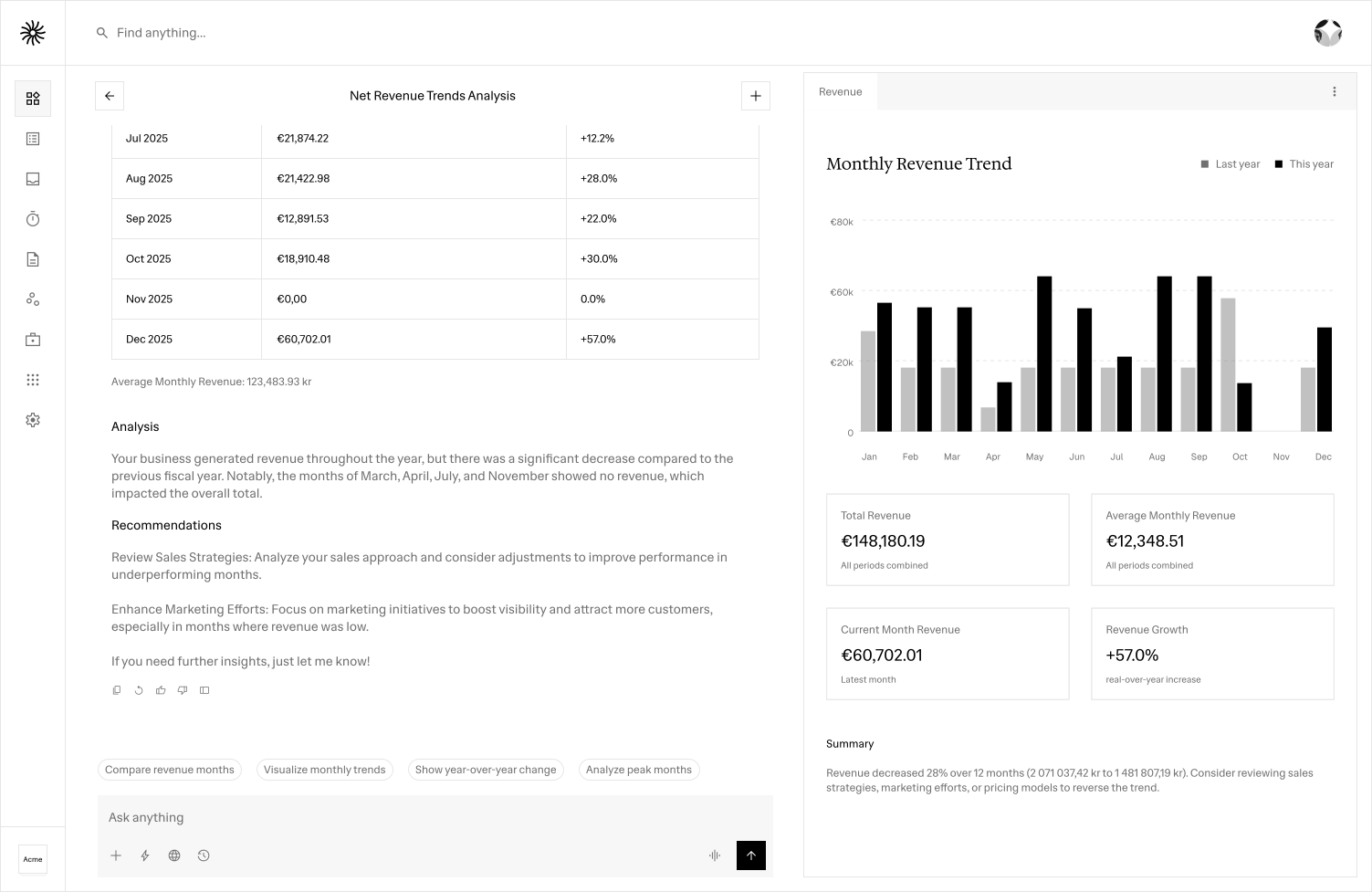
Find answers across supported financial records without remembering where every field, invoice or transaction lives.
For actions such as invoicing, the assistant can prepare a draft and let you review or edit it before anything is sent.
Work from the customers, invoices, transactions and connected data already available to your workspace.
Ambiguous or sensitive actions should ask for clarification or confirmation rather than silently making assumptions.
How it works
Ask a finance question
Understand the relevant records
Review the suggested next step
Confirm or continue the action
Relaio Finance is designed to make business finance easier to understand without forcing you to search through every invoice, customer record or transaction manually. Ask questions in plain language and use the financial context already available in your workspace to find relevant information faster.
The assistant is built around controlled finance workflows. When an action could change or send financial information, the experience can prepare a draft, request missing details and keep confirmation in the loop. That makes AI useful for everyday finance work without treating every request as permission to act automatically.
FAQ
You can ask about supported financial records such as customers, invoices, transactions and related business activity available in your workspace.
Sensitive workflows are designed to keep review and confirmation in the loop. For supported invoicing actions, the assistant can prepare a draft before anything is sent.
Ambiguous requests should ask for clarification rather than silently guessing important financial details.
Answers and actions depend on the financial data, permissions and integrations available to the current workspace.
AI capabilities depend on the data, permissions and integrations available in your workspace.
Open Relaio Finance and bring the parts of your finance workflow together at your own pace.
Open Relaio Finance