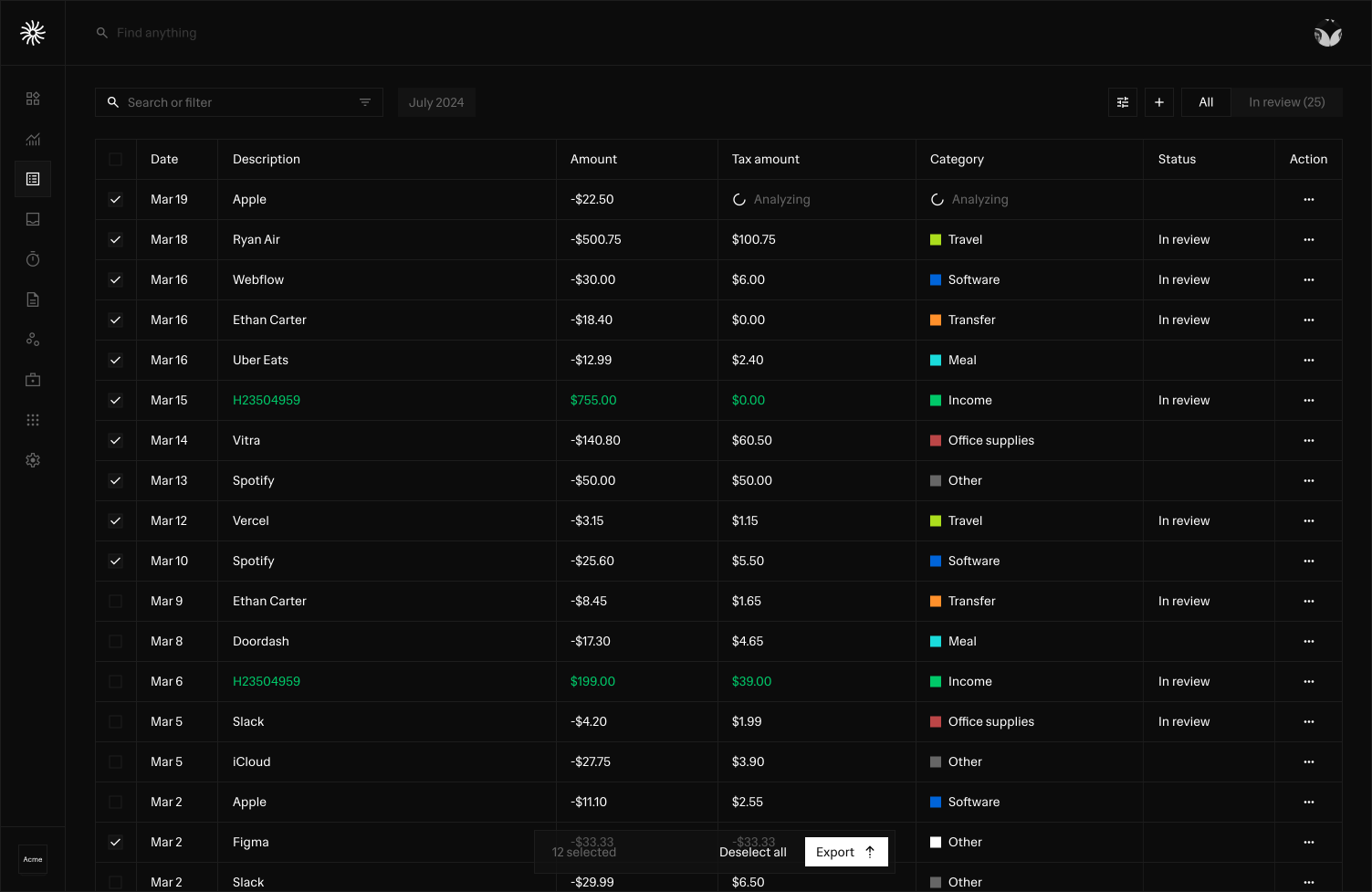
Statement-based workflows
Upload supported bank statements and review imported activity without depending on a direct bank connection.
Use supported connection options where available, or statement-based workflows when direct bank connectivity is not the right fit.
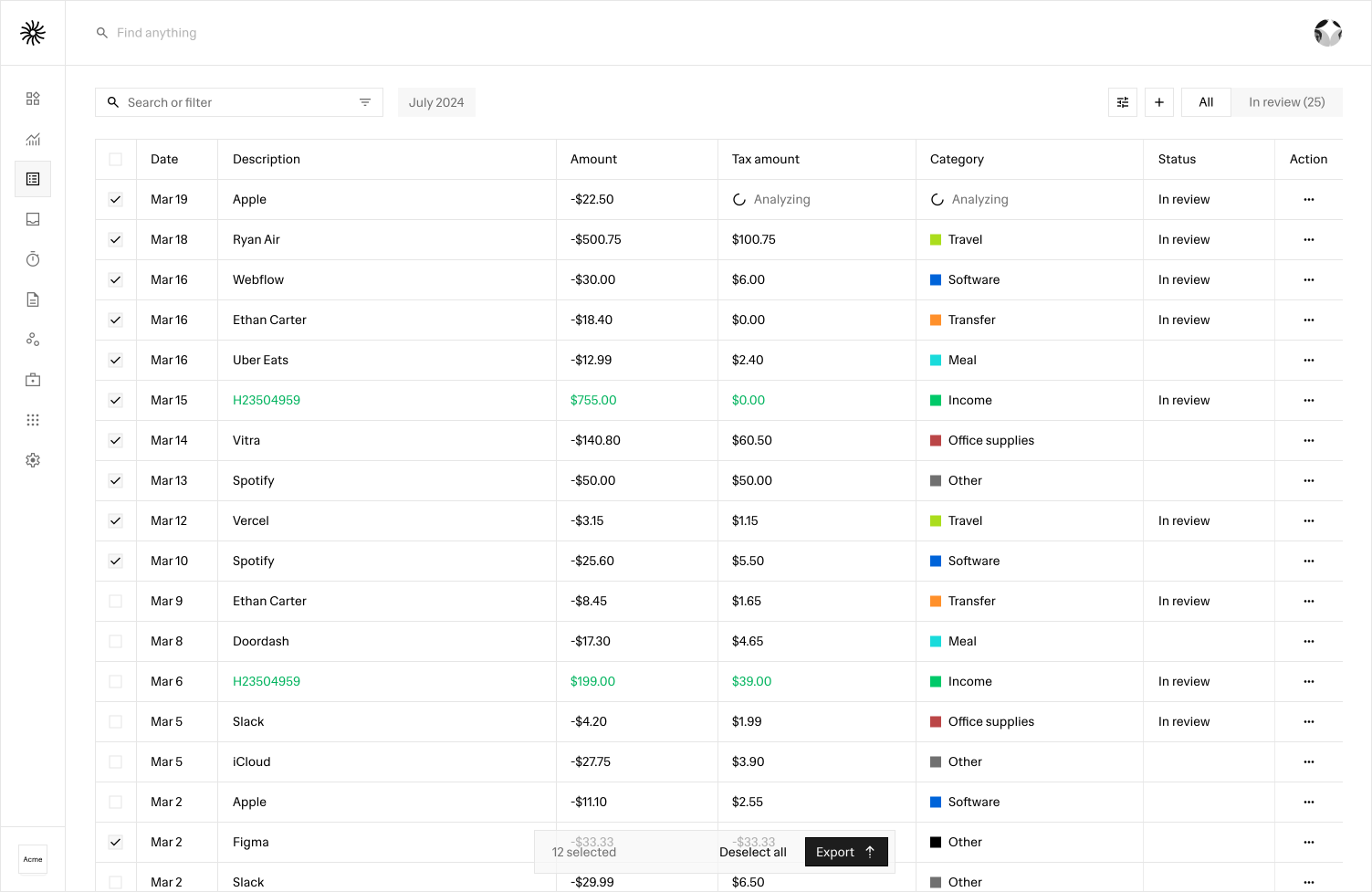
Upload supported bank statements and review imported activity without depending on a direct bank connection.
Bring earlier banking activity into the transaction workflow so finance history does not start only when a live connection is added.
Keep imported transaction details reviewable instead of silently treating every extracted record as final.
Direct connection options can be added by provider and region without removing the manual workflow that already works for the business.
How it works
Add the bank account
Import a supported statement
Review transactions and balances
Connect a supported bank later when available
FAQ
No blanket worldwide bank-coverage claim is made. Direct connectivity depends on provider and region, while supported manual statement workflows can be used where available.
Supported manual bank-account and statement workflows are designed for businesses that cannot or do not want to use a direct connection.
The banking workflow is designed so historical manual records can remain useful when a supported live connection is added later, rather than forcing the business to start over.
Direct bank availability depends on provider, region and workspace configuration.
Open Relaio Finance and bring the parts of your finance workflow together at your own pace.
Open Relaio Finance